
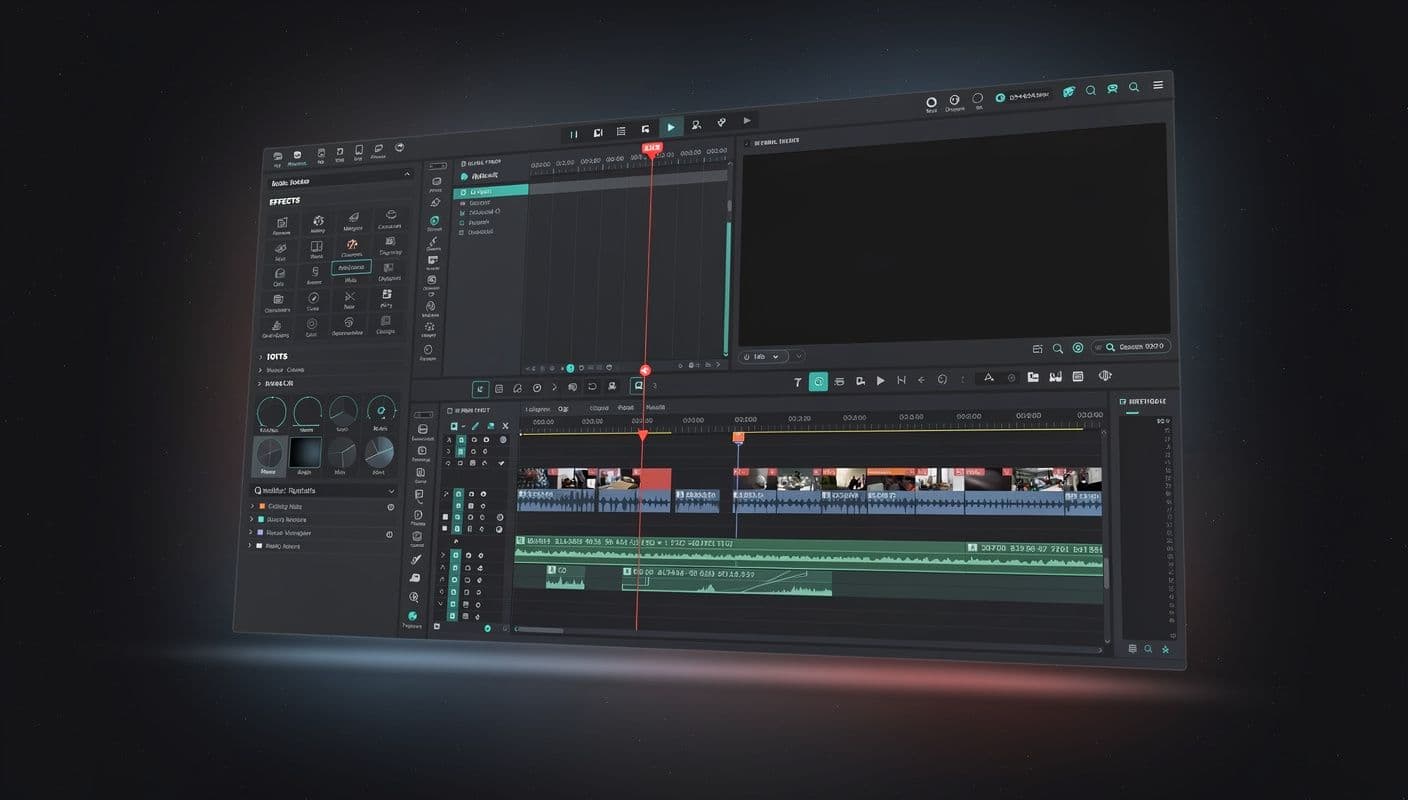
A timeline editor.
In your browser.
Multi-track timeline, text overlays, effects, and FFmpeg-powered cloud export. Professional video editing without the download.
Everything you need to cut, compose, and ship
A professional editing suite built for creators who publish to social platforms every day.
Multi-track Timeline
Layer video, audio, and image tracks with bracket-handle trimming. Drag to reorder, split, and arrange your story frame by frame.
Text Overlays
Add titles, lower thirds, and captions with custom fonts, colors, and animations. Position anywhere on the canvas.
Built-in AI Generation
Generate images and video clips directly on the timeline with Ignite. No switching between apps.
Drag & Drop Media
Pull assets from your media library straight onto the timeline. Everything you have uploaded is one drag away.
Cloud Export
FFmpeg-powered rendering in the cloud. Export in MP4, MOV, WebM, or any format without taxing your machine.
Platform-Specific Formats
One-click presets for Instagram Reels, TikTok, YouTube Shorts, and more. Auto-resize and reframe for every platform.
Three steps to a finished video
From raw footage to published content in minutes, not hours.
Import media
Drag from your library or generate new assets with Ignite. Photos, videos, audio — everything in one place.
Edit on timeline
Trim clips, overlay text, layer tracks, and apply effects. A full non-linear editor, right in your browser.
Export anywhere
Cloud render in any format and resolution. Your finished video is ready to publish through Compose.
Works seamlessly with Ignite and Compose
Studio is one piece of the Multivio workflow. Generate, edit, publish.
Ready to edit like a pro?
No installs. No watermarks. Just a timeline, your media, and cloud-powered export.